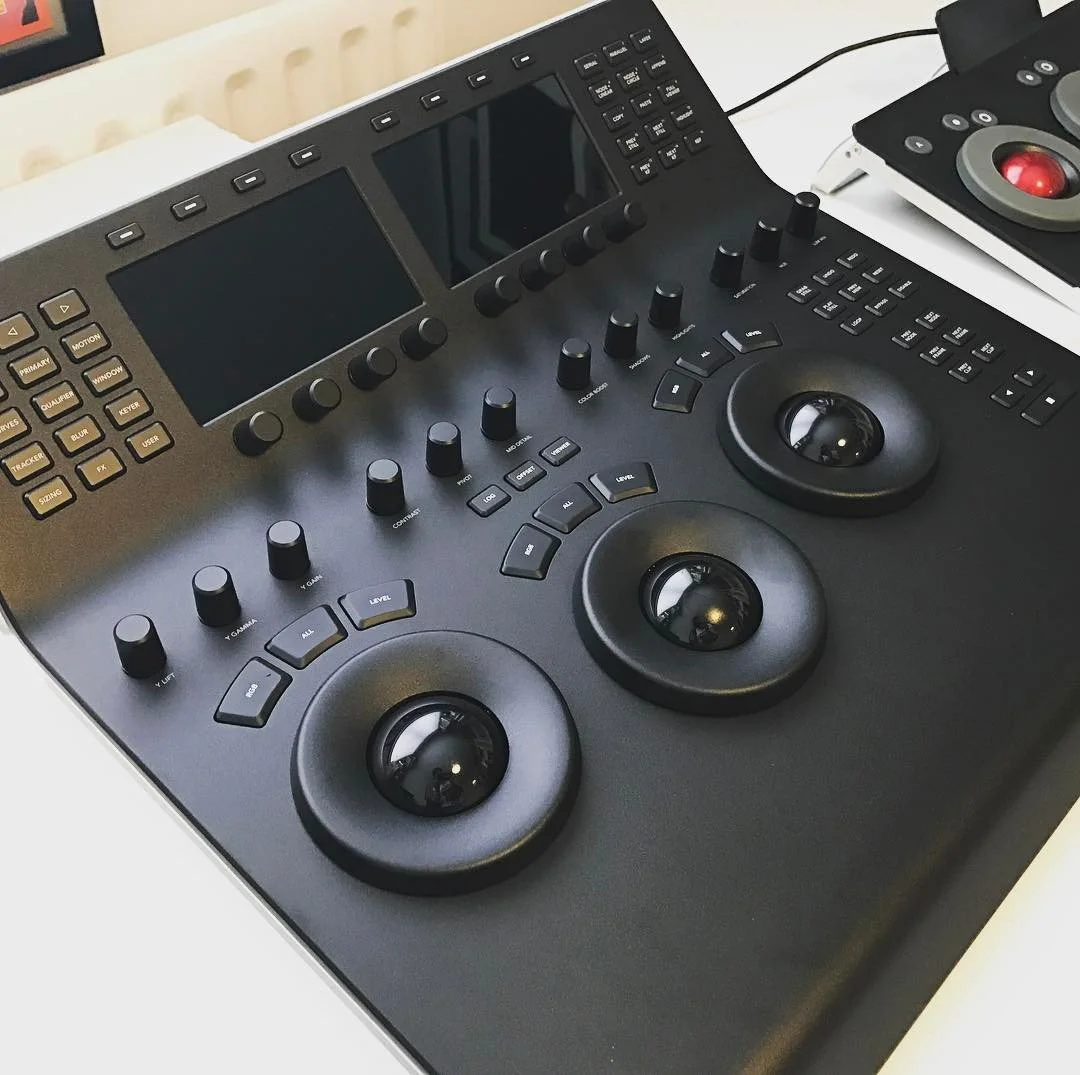
The DaVinci Resolve Mini Panel just arrived in March 2017, beside the grading panel it replaced.
In March 2017, I reviewed Blackmagic Design's DaVinci Resolve Mini Panel for Kitplus and The TV-Bay Magazine, Issue 123. At the time, I was working as a freelance DaVinci Resolve colourist from home and dry-hiring grading suites in London. I was the first person in Europe to get my hands on the panel: Blackmagic Design offered it to me to review, and I recognised straight away that it might change the way I worked, for the better.
It did. The review, and the control surface itself, gave me the confidence to open my own grading facility on the Leigh-on-Sea seafront a few months later, in June 2017.
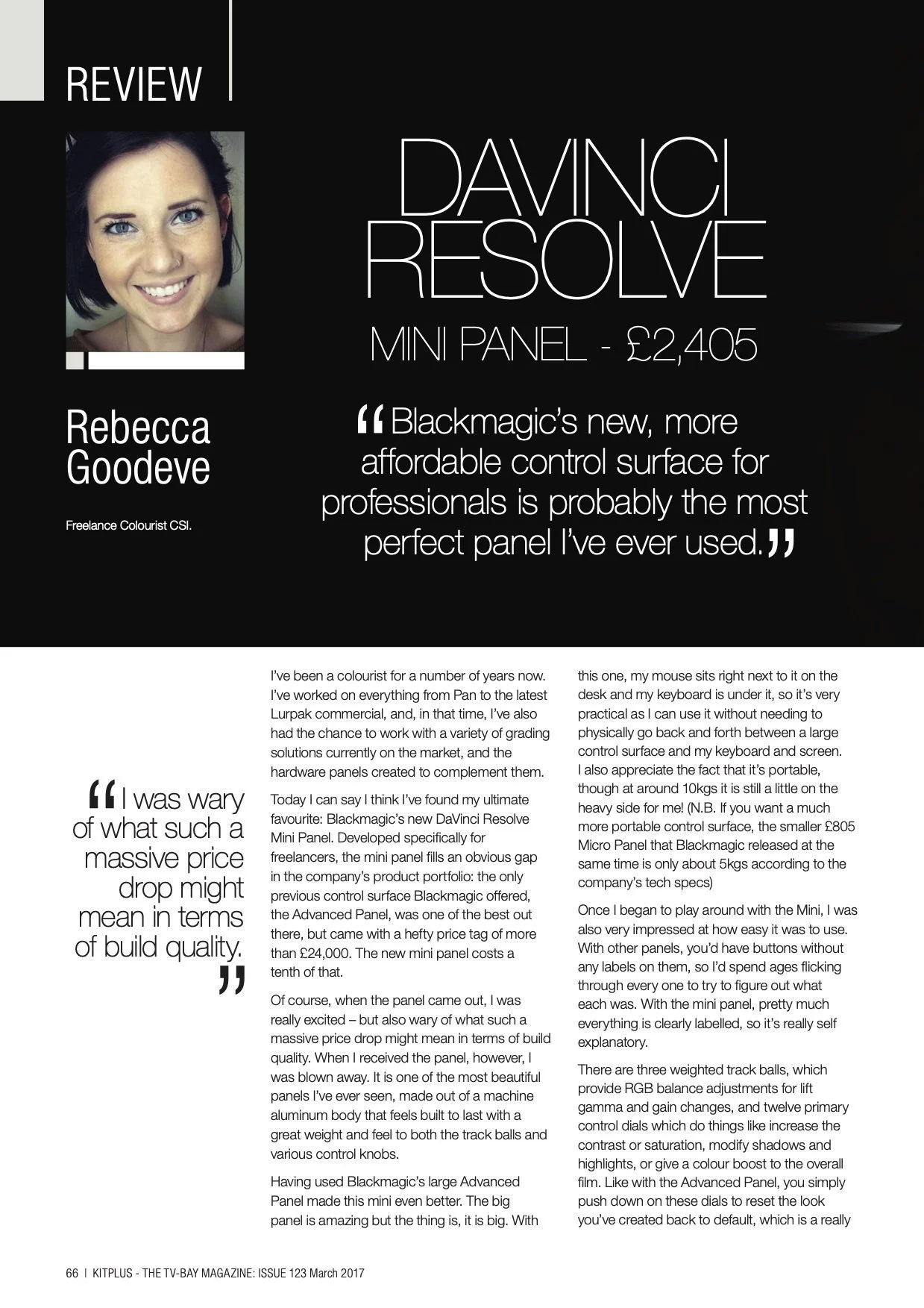
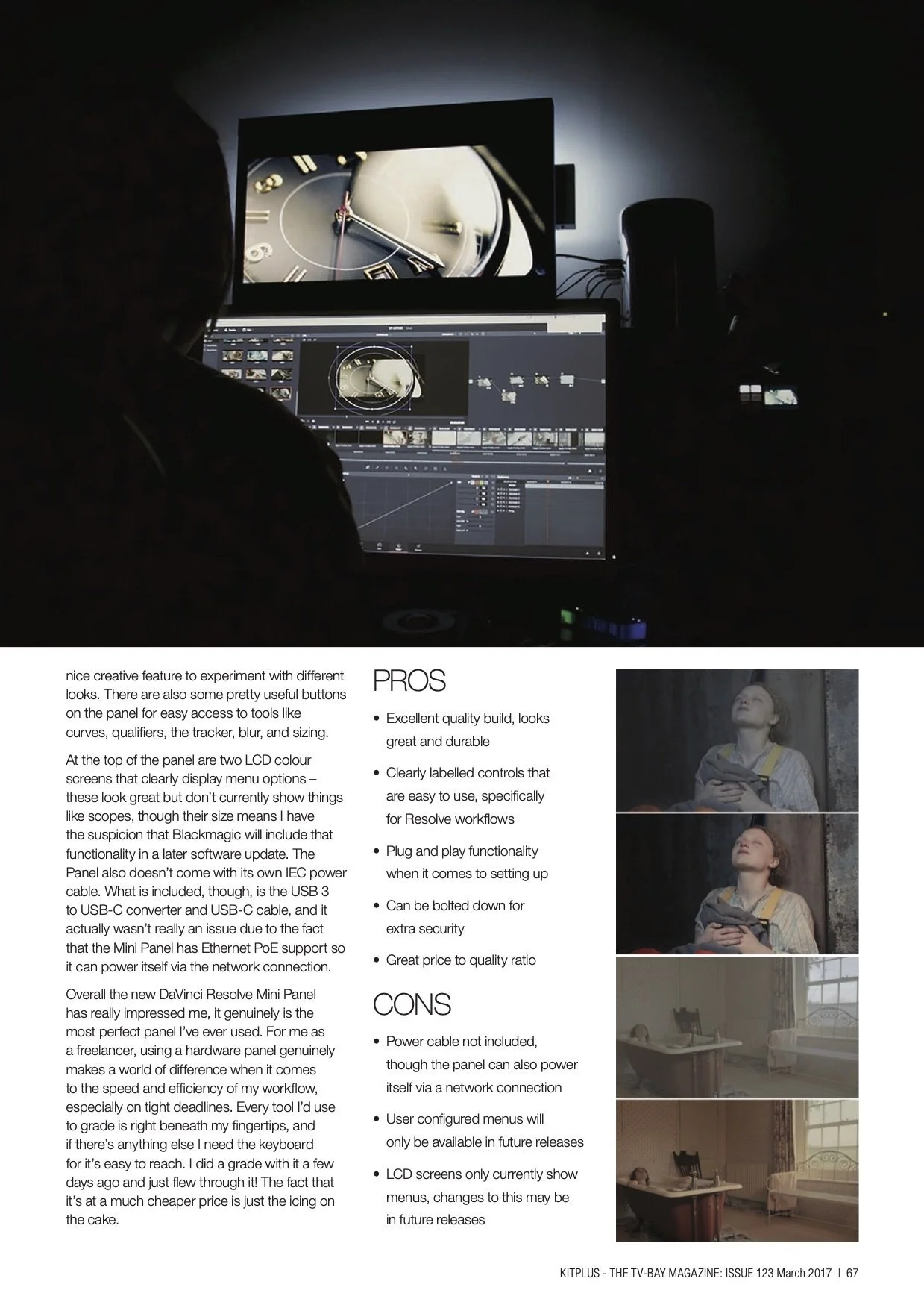
My DaVinci Resolve Mini Panel review in The TV-Bay Magazine, Issue 123, March 2017, pages 66 and 67.
Inside the DaVinci Resolve Mini Panel
I was genuinely excited when it arrived, and a little wary too. A more compact panel can leave you wondering what has been sacrificed. I needn't have been concerned.
The Mini Panel, just arrived. The keyboard would soon live underneath, and the mouse just beside it.
The body is machined aluminium, with a satisfying weight to the trackballs and the knobs, and it feels built to last. Almost every control is clearly labelled, which I love. On some other surfaces you can spend a surprising amount of time hunting through unmarked buttons. This one is self-explanatory, which matters when you want the tools to recede and the image to come forward.
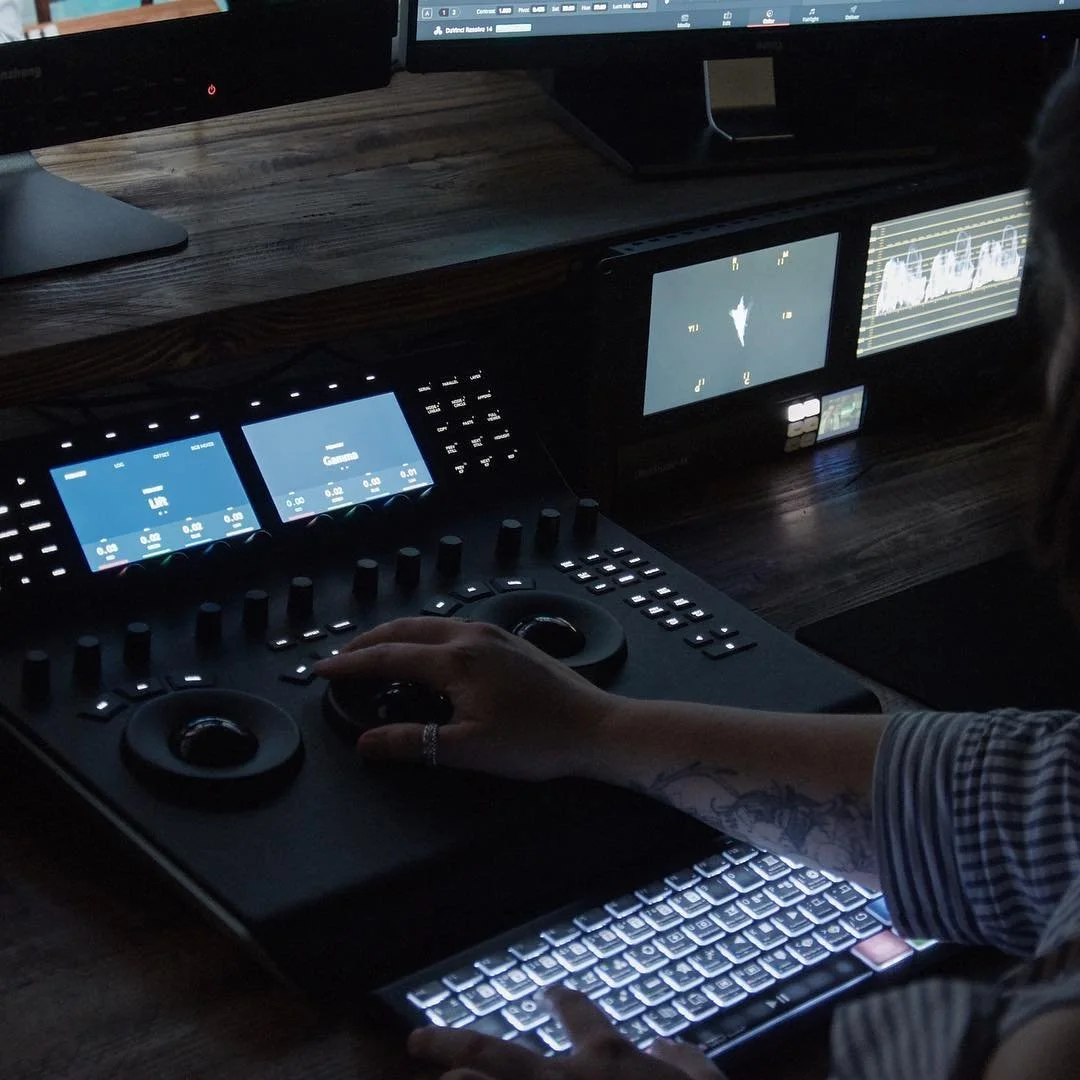
I already owned a Tangent panel, which did the job, though I did wonder how a new surface could be better than the equipment I already had. The Mini was the first Blackmagic panel I owned, and it sits on the desk in a way that suits the freelance grade: the mouse beside it, the keyboard underneath, so I am not constantly moving between the surface and the rest of the setup. I later got the Advanced Panel because the Mini was so good I wanted more. That larger surface is remarkable, but it asks for space, and the Mini is built for a different kind of room.
There are three weighted trackballs for RGB lift, gamma and gain, and twelve primary dials for contrast, saturation, shadows, highlights and a colour boost across the frame. Push down on a dial and the look resets, which is a quietly generous way to try an idea, set it aside, and begin again. Dedicated buttons sit under the fingers for curves, qualifiers, the tracker, blur and sizing, and two colour LCD screens carry the menus at the top.
For a freelance DaVinci Resolve colourist, a hardware panel changes the tempo of the work, particularly when time is short. Every tool I need is immediately to hand. A few days ago I sat down to a grade and moved through it with a fluency a mouse rarely allows, the picture responding almost as quickly as I could think.
"It is probably the most perfect panel I have ever used."
From the review to a seafront facility
I wrote that line in Kitplus, and I stand by it. I have been working from home and dry-hiring grading suites in London since I went freelance in August 2015, and this review has given me the confidence to take a leap of faith...
This June I will open my own grading facility along the seafront in Leigh-on-Sea, so I can make full use of the panel and the kind of careful, uninterrupted work it invites. I cannot wait to get properly stuck in.
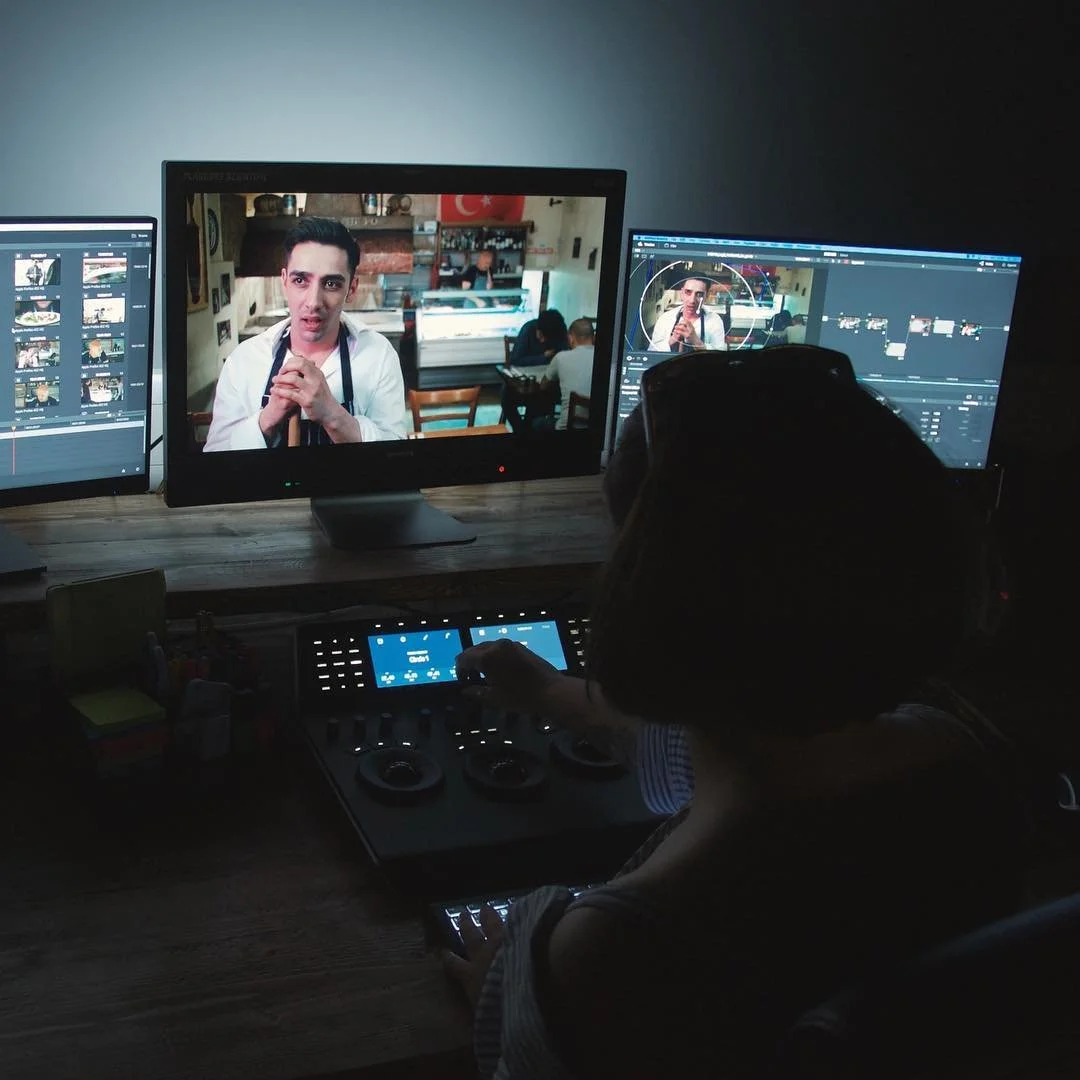
The panel at work, a little later, in the new facility.
You can read the full review on Kitplus. Thank you to Kitplus for publishing it. More of my work is on my portfolio, and if you have a project in mind I would like to hear from you through my contact page.
Frequently asked questions
Who reviewed the DaVinci Resolve Mini Panel for Kitplus in 2017?
Rebecca Goodeve, a freelance film colourist then working from home and dry-hiring grading suites in London, and later the founder of Saku Productions. The review was published in The TV-Bay Magazine, Issue 123, March 2017, pages 66 to 67, and online at Kitplus on 4 April 2017.
What is the Blackmagic Design Mini Panel?
The DaVinci Resolve Mini Panel is a compact hardware control surface made by Blackmagic Design for colour grading in DaVinci Resolve. It has three weighted trackballs, twelve primary dials, dedicated tool buttons and two LCD menu screens, and is designed to sit on a desk alongside a keyboard and mouse.
Why did the Mini Panel matter to a freelance colourist?
A hardware panel changes the speed and feel of a grade. For Rebecca, the Mini Panel brought the main DaVinci Resolve tools under her fingertips in a footprint that suited freelance work, and the review of it gave her the confidence to open her own facility on the Leigh-on-Sea seafront in June 2017.
Where can I see more of Rebecca Goodeve's colour work?
A curated selection of film, commercial and documentary grades is on her portfolio. She can be reached through her contact page.
